WordPress development

Security-first plugin policySpeed measured before and afterCustom or block themes, no bloatEvery login handed over
PHP 8.3+
As WordPress recommends
PHP 8.3+
As WordPress recommends
Staging
Every update tested first
Few plugins
Each one justified
You own
Logins, theme & hosting
Problems we fix

Updates01

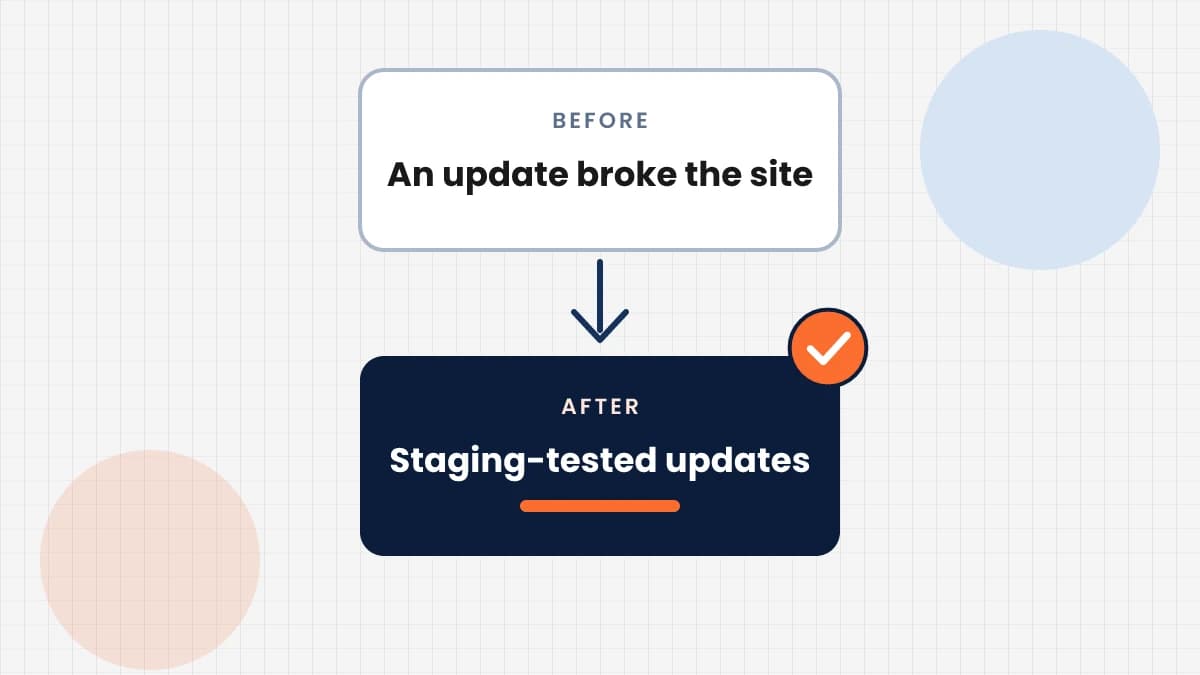
An update broke the site

A plugin, theme or PHP update shows the dreaded critical error. We test every update on a staging copy first, apply them one at a time and keep a rollback ready.
Security02

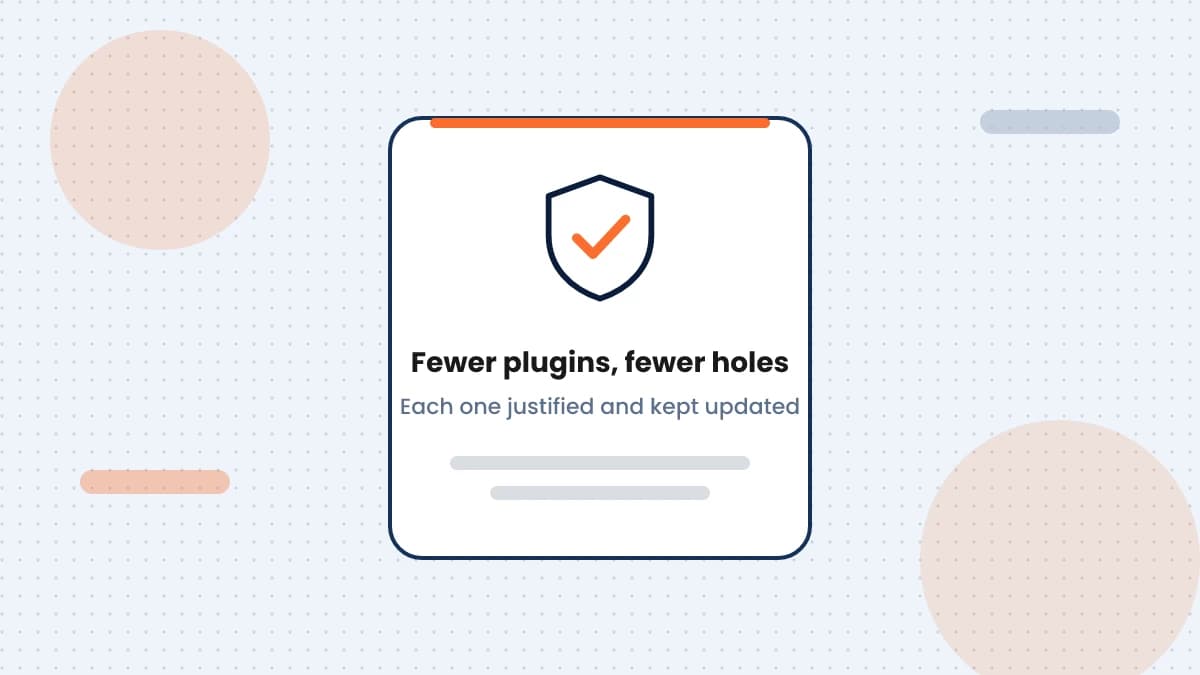
Too many plugins, too many holes

Most WordPress vulnerabilities are in plugins. We keep only plugins that are maintained and needed, add a firewall and offsite backups, and clean up hacked sites.

Access03

The developer disappeared with the logins

Owners often learn too late that the domain, hosting or admin account is in someone else's name. We recover access where you own the accounts and hand every login over.

  • Access recovery
  • User and file audit
  • Accounts in your name
Speed04

Slow pages from a heavy page builder

Bloated builders and unused plugins slow pages on mobile. We measure first, then trim, optimise images, add caching or move to a lean theme, and show before and after numbers.

  • Core Web Vitals measured
  • Lean theme or builder clean-up
  • Image and cache tuning
Editing05

Hard to edit without breaking the layout

Sites built with rigid templates make small edits risky. We build reusable blocks and sensible fields so your team can update pages without calling a developer.

  • Reusable content blocks
  • Clear editing fields
  • A short training session
Costs06

Year-two costs nobody mentioned

Hosting, domains and premium plugins often renew at higher prices. Our quotes list year-one and year-two running costs, so there are no surprises.

  • Renewal prices listed
  • Plugin licences itemised
  • Maintenance quoted separately
What we build

01

Business websites

Company sites on a custom or block theme, built for fast editing and good search visibility.

  • Custom design
  • SEO-ready structure
02

WooCommerce stores

Online stores with payments, shipping, GST invoices and the extensions you actually need.

  • Payments and shipping
  • Product imports
03

Rescue and speed work

Fixing broken, hacked or slow WordPress sites, with a written diagnosis before any rebuild.

  • Diagnosis first
  • Before and after speed
04

Migrations to WordPress

Moves from other platforms with a full redirect map, so rankings and links carry over.

  • URL redirect map
  • Search Console checks
05

Headless WordPress

WordPress as the editor, with a fast Next.js front end, when speed matters as much as easy editing.

  • Next.js front end
  • Familiar WordPress editor
Honest advice

01

WordPress fits

Content-led sites, blogs and stores your team edits often, where a large plugin and hosting ecosystem helps.

  • Frequent content updates
  • Standard features
02

WordPress struggles

Sites that need custom logic, heavy integrations or top speed and security with few moving parts.

  • Complex workflows
  • Strict performance needs
03

Then consider custom

A hand-coded Next.js site or a Laravel app can cost more upfront but needs fewer updates to stay safe.

  • Fewer plugins to maintain
  • Built around your process
What you get

8 items, none of them extra
A custom or block theme, without page-builder bloat unless you want one
Only the plugins the site needs, each maintained and justified
PHP 8.3 or newer, as WordPress recommends
Staging site for testing every change before it goes live
Firewall, offsite backups and basic security hardening
Redirect map and Search Console checks for migrations
Year-one and year-two running costs listed in the quote
Domain, hosting, admin and licences registered to your business
How it runs

  1. 01
    First call

    Audit or brief

    For an existing site we audit speed, plugins, security and access. For a new one we agree pages, features and content.

    Audit or sitemap

  2. 02
    Before build

    Design

    Page designs and reusable blocks, approved before any build work starts.

    Figma designs

  3. 03
    Build

    Build on staging

    The site is built on a staging copy with a lean theme and only the plugins it needs.

    Staging site

  4. 04
    Before launch

    Content and SEO

    Content loaded, redirects mapped for migrations, structured data and analytics set up.

    Redirect map · Analytics

  5. 05
    Launch

    Test and launch

    Speed, mobile, forms and security checks, then launch on hosting registered to you.

    Launch checklist

  6. 06
    After launch

    Handover and care

    Every login handed over, a short editing walkthrough, and an optional maintenance plan.

    Logins · Training

The stack

  • WordPressWordPressCMS
  • WooCommerceWooCommerceStores
  • PHPPHPLanguage
  • MySQLMySQLDatabase
  • Next.jsNext.jsHeadless front end
  • CloudflareCloudflareCDN & firewall
  • Google Search ConsoleGoogle Search ConsoleSEO
  • FigmaFigmaDesign
FAQ

01How much does WordPress website development cost in India?
As market ranges, a basic WordPress site costs ₹20,000 to ₹50,000, a business site ₹50,000 to ₹1,50,000, and a complex site or WooCommerce store ₹1,50,000 to ₹3,00,000, before GST. Hosting, domain renewal, paid plugins and maintenance come on top every year. We give a fixed quote after scoping, with year-one and year-two running costs listed separately.
02Is WordPress still a good choice in 2026?
For many sites, yes. W3Techs reports that WordPress runs 38.4% of all websites, so hosting, plugins and people who can edit it are easy to find. It suits content-led sites, blogs and stores that need to be edited often. It is a weaker fit when speed, security and conversion matter more than plugins, where a custom Next.js site can be the better buy.
03How do you keep a WordPress site secure?
Mostly by limiting and maintaining plugins. Patchstack's 2026 report found 11,334 new WordPress vulnerabilities in 2025, 91% of them in plugins, and many were exploited within hours of disclosure. We use as few plugins as possible, choose actively maintained ones, test updates on staging, add a firewall and offsite backups, and remove anything the site does not need.
04Which PHP version should my WordPress site run on?
WordPress recommends PHP 8.3 or newer. PHP 8.2 stops receiving security fixes on 31 December 2026, and anything older already has none, according to php.net. Moving up a version can break old plugins or themes, so we test the site on a staging copy first, fix what breaks, and only then switch the live site.
05My developer disappeared and I cannot log in. Can you help?
Usually, yes. If you control the domain and hosting account, we can restore admin access through the hosting panel or database, then audit users, plugins and files for anything left behind. Going forward, the domain, hosting, WordPress admin and theme licences should all be registered to your business, and we hand every login over at launch.
06Can you fix a slow or broken WordPress site instead of rebuilding it?
Often, yes. We start with diagnosis: error logs, unknown users, plugin conflicts and page speed measurements. Many slow sites improve a lot from removing a heavy page builder or unused plugins, optimising images and adding caching. If the site is beyond repair, we say so and quote a rebuild, with the reasons written down.
07Can you move my site to WordPress without losing Google rankings?
Yes, if the move is planned. We record your current rankings and traffic, map every old URL to its new one with permanent redirects, keep titles and content that already rank, and check Search Console for errors in the weeks after launch. Most ranking losses after a migration come from missing redirects, which is why the map comes first.
08Who owns the WordPress site after it is built?
You do. The theme code, content, plugin and theme licences, hosting account and domain are registered to your business, and you get the admin login with full rights. Under Indian copyright law, code belongs to its developer unless ownership is assigned in writing, so our agreement assigns it to you on payment.

Website Development across Delhi NCR

Website Development company in Delhi

We work with businesses across Delhi. Each area page covers the local business context, the problems worth solving there, and how a website development project is typically scoped.

Website Development across United States

Website Development company in United States

We work with businesses across United States. Each area page covers the local business context, the problems worth solving there, and how a website development project is typically scoped.

Website Development across United Kingdom

Website Development company in United Kingdom

Website Development across UAE & GCC

Website Development company in United Arab Emirates
Government of India seal
MSME Registered
Government e-Marketplace — GeM