WhatsApp CRM

Sales and support in one inboxOfficial WhatsApp Business PlatformWorks inside your own CRMNo per-seat licence
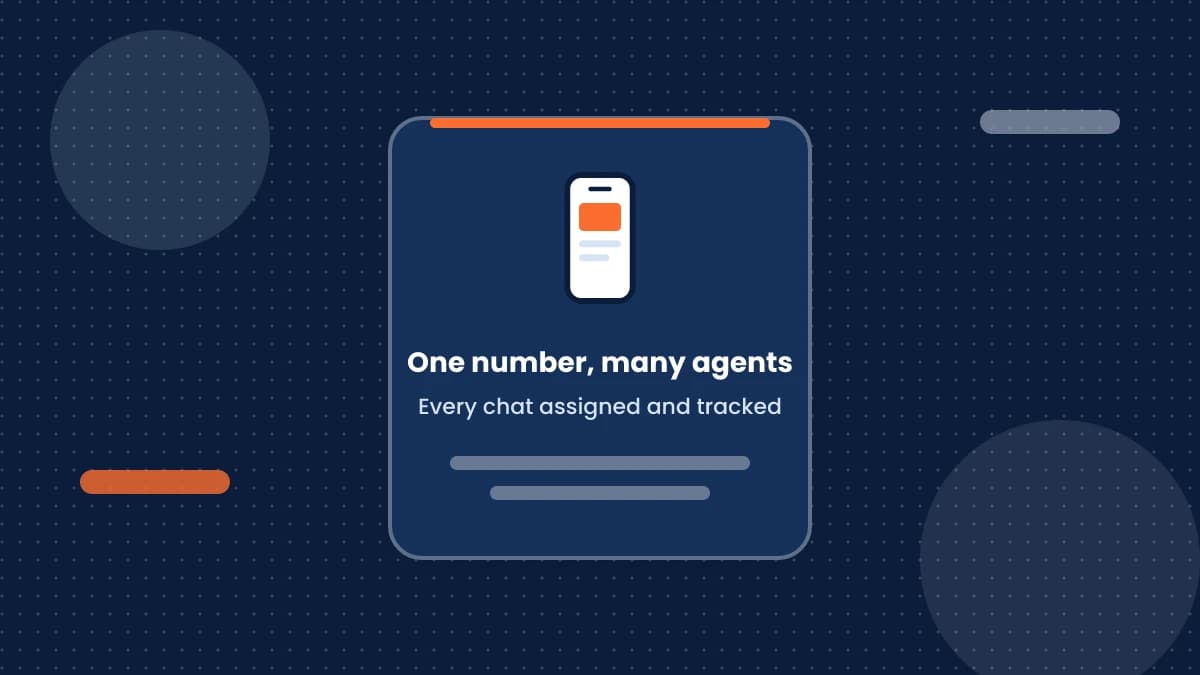
One number
Shared by the whole team
One number
Shared by the whole team
Every chat
On the right lead or deal
Opt-ins
Logged with date and source
You own
Code, data & hosting
Problems we solve

Ownership01

Deals live on staff phones

Prices, promises and orders agreed on personal WhatsApp never reach the CRM, and leave with the employee. On a company number through the API, every chat is attached to the contact or deal it belongs to.
Shared inbox02

One phone passed around the office

The Business app was built for a single owner, so teams share a handset and reply over each other. A shared inbox assigns each chat to one agent, flags collisions and alerts when a customer has waited too long.

Templates03

Templates rejected or charged as marketing

Meta checks every template and can approve a utility template as marketing, which costs more. A template library with category guidance and approval status shows what you can send and what it will cost.

  • Approved template library
  • Category guidance
  • Status tracked in the CRM
Opt-in04

No proof of who agreed to hear from you

WhatsApp's policy requires opt-in before you message people and respect for every opt-out. Each opt-in is logged with its date and source, and opt-outs stop messages straight away.

  • Opt-in log
  • Instant opt-out
  • Consent by message type
Limits05

Broadcasts blocked by messaging limits

New numbers can start conversations with 250 people a day, and poor-quality campaigns slow the climb. Paced campaigns and quality monitoring keep your number healthy as limits rise.

  • Paced campaigns
  • Quality monitoring
  • Segmented lists
Costs06

Bills you cannot predict

Since October 2026, Meta charges for service replies after 1,000 free a month per number, on top of marketing and utility messages. Message volume is reported by category, so you can see where the money goes.

  • Spend by message category
  • Free-tier tracking
  • Monthly cost report
Modules

01

Shared inbox

One number, many agents, with assignment, internal notes and response-time alerts.

  • Assignment rules
  • Team queues
02

CRM records

Chats on the contact, lead or deal, beside order history and open tasks.

  • Context panel
  • Deal stages
03

Templates and campaigns

Approved templates, segmented campaigns paced within your messaging limit.

  • Template library
  • Paced sends
04

Opt-in and consent

Opt-ins with date and source, instant opt-outs and a suppression list.

  • Consent log
  • Suppression
05

Automation and bots

Auto-replies, routing and an optional AI assistant, with a clear handover to a person.

  • Routing
  • Human handover
06

Reports

Response times, chats per agent, conversions and Meta spend by category.

  • Agent performance
  • Cost by category
Build or buy

01

1. WhatsApp Business app

Free, and built for a single owner. No shared inbox, assignment or CRM link.

  • No cost
  • One person at a time
02

2. A WhatsApp inbox tool

Ready shared-inbox products publish monthly plans by team size, with Meta charges on top.

  • Fast to start
  • Separate from your CRM
03

3. Your CRM's WhatsApp add-on

Zoho, HubSpot and others connect WhatsApp to their CRM, often through a partner.

  • One vendor
  • Their workflow, per-user fees
04

4. Custom WhatsApp CRM

The inbox built into your own CRM or ERP, around your sales and support process, owned outright.

  • Highest fit
  • Higher upfront cost
Selected work

What you get

8 items, none of them extra
An audit of how your team uses WhatsApp today
An honest build, configure or buy recommendation before any build
Business verification and number set-up, including coexistence where it fits
A shared inbox with assignment, notes and response-time alerts
Chats linked to contacts, leads and deals in your CRM
Opt-in records, instant opt-outs and an approved template library
Reports on response times, conversions and Meta spend by category
Source code, database and Meta business accounts in your name
How it runs

  1. 01
    First week

    Chat audit

    We look at how WhatsApp is used today: numbers, phones, who replies, and what gets lost.

    Current-state map

  2. 02
    Before build

    Build, configure or buy

    We say honestly whether the app, an inbox tool, a CRM add-on or a custom build fits.

    Recommendation · Phase prices

  3. 03
    Before launch

    Number and templates

    Business verification, number set-up or coexistence, and your first approved templates.

    Live number · Templates

  4. 04
    Phase 1

    Inbox and CRM link

    Shared inbox, assignment rules and chats linked to contacts and deals.

    Working inbox

  5. 05
    Phase 2

    Consent and campaigns

    Opt-in capture, suppression and paced campaigns, tested with real customers.

    Consent log · Campaigns

  6. 06
    Ongoing

    Reports and bots

    Agent and cost reports, then auto-replies or an AI assistant where they help.

    Reports · Automations

The stack

  • WhatsAppWhatsAppCloud API
  • MetaMetaBusiness platform
  • Node.jsNode.jsBackend
  • PostgreSQLPostgreSQLDatabase
  • Next.jsNext.jsAgent inbox
  • ReactReactInterface
  • TypeScriptTypeScriptLanguage
  • DockerDockerDeployment
FAQ

01What is a WhatsApp CRM?
A WhatsApp CRM connects your business WhatsApp number to customer records. Every chat is attached to the right contact or deal, several agents answer from one shared number, and chats are assigned, tracked and reported on like any other sales or support work. It runs on Meta's official WhatsApp Business Platform, not on staff phones.
02Is the WhatsApp Business app enough for a sales team?
For a single owner or a very small team, often yes. Meta describes the app as built with the small business owner in mind. Once several people share one number, need chats assigned, or must link conversations to leads and orders, you need the WhatsApp Business Platform, which is what a WhatsApp CRM is built on.
03Can we keep using the WhatsApp Business app after moving to the API?
Usually, yes. Meta's coexistence option lets an existing WhatsApp Business app number connect to the Cloud API while your team keeps using the app. Up to six months of chat history can sync, but group chats do not, and broadcast lists are turned off in the app. A number used on personal WhatsApp has to be moved to a business account first.
04What does Meta charge for WhatsApp messages in 2026?
Meta has charged per message since 1 July 2025, priced by category: marketing, utility, authentication and service. Messages customers send you are free. From 1 October 2026, service replies are charged again after 1,000 free service messages a month per business number. Eligible Indian businesses move to rupee billing by 31 December 2026. Check Meta's current India rate card before budgeting.
05Why was our message template rejected or changed to marketing?
Meta reviews every template, usually within 24 hours, and checks that its category matches the content. Since April 2025, a template submitted as utility that Meta considers promotional is approved as marketing, which costs more. Keeping a library of approved templates with clear categories, and tracking their status in the CRM, avoids most surprises.
06How many people can we message on WhatsApp in a day?
New business portfolios can start conversations with 250 unique people in a rolling 24 hours. As you send good-quality messages, the limit rises to 2,000, 10,000, 100,000 and then unlimited. Replies to customers who message you first do not count. The CRM can pace campaigns to stay within your current limit.
07What opt-in do we need before messaging customers?
WhatsApp's policy says you may message people only after they have given you their number and agreed to receive messages from you on WhatsApp, and you must honour every opt-out, whether it reaches you on WhatsApp or elsewhere. A WhatsApp CRM should record each opt-in with its date and source and stop messages as soon as someone opts out.
08How much does a custom WhatsApp CRM cost?
Based on our published guides, connecting WhatsApp and an AI assistant to an existing CRM typically costs ₹1,00,000 to ₹3,00,000, a fuller custom WhatsApp system ₹3,00,000 to ₹8,00,000 or more, and a focused custom CRM built from scratch ₹8 to 15 lakh. Meta's message charges and hosting are billed separately every month.

CRM Development across Delhi NCR

CRM Development company in Delhi

We work with businesses across Delhi. Each area page covers the local business context, the problems worth solving there, and how a crm development project is typically scoped.

CRM Development across United States

CRM Development company in United States

We work with businesses across United States. Each area page covers the local business context, the problems worth solving there, and how a crm development project is typically scoped.

Government of India seal
MSME Registered
Government e-Marketplace — GeM